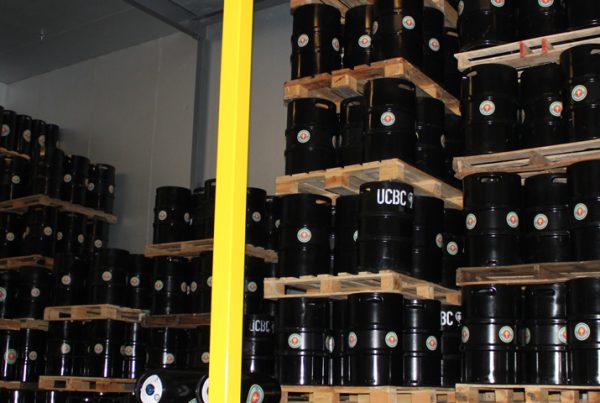

You open your walk-in cooler, check the thermometer, and everything looks fine.
But then you notice something that doesn’t add up:
- product on the top shelf feels warmer
- items near the door don’t stay as cold
- one corner seems to struggle
- some cases cool slower than others
This is a common walk-in issue, and it usually leads to the same question:
“Why does my walk-in have hot spots when the temperature is set correctly?”
The short answer is: a walk-in is not a perfectly uniform environment. Cold air needs airflow to distribute evenly, and small loading or layout issues can create warm pockets.
The good news is that hot spots usually have predictable causes—and they’re often fixable.
What a Walk-In “Hot Spot” Really Means
A hot spot is any area inside the walk-in where product temperature trends warmer than the rest of the box.
Hot spots are most common in:
- corners
- upper shelves
- areas near the door
- shelves blocked by heavy stacking
- zones where airflow can’t circulate properly
Even if the thermostat reads correctly, airflow patterns can create temperature differences within the walk-in.
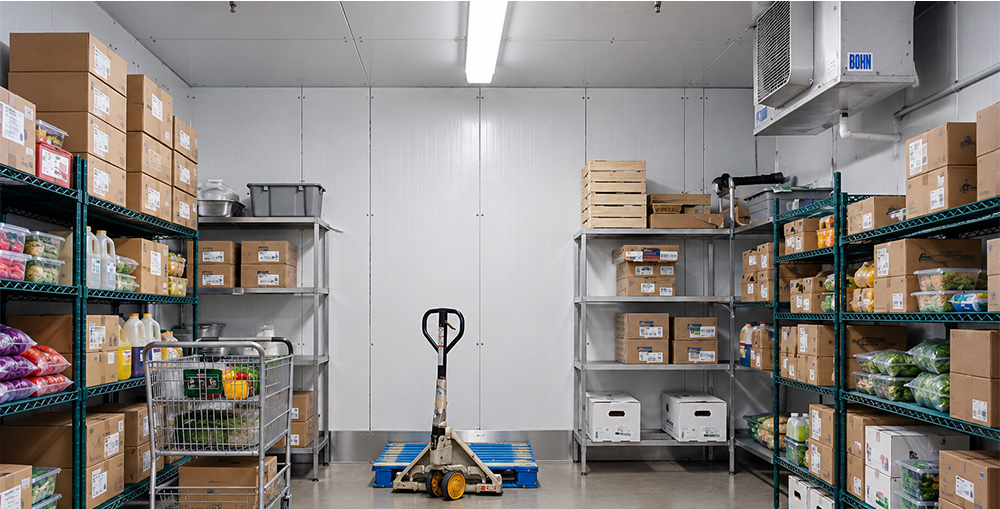
The #1 Cause of Hot Spots: Airflow Restriction
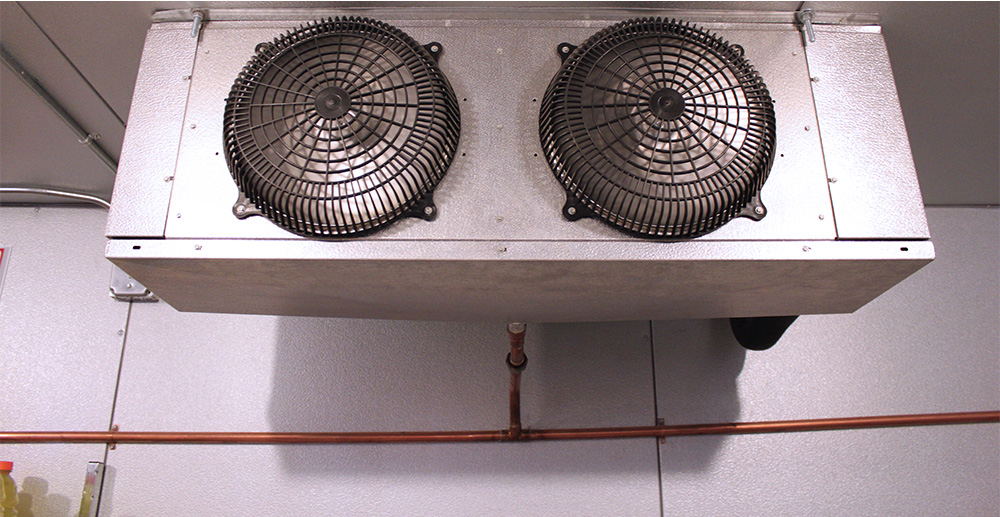
Walk-ins rely on airflow from the evaporator system to distribute cold air.
When airflow is blocked, cold air can’t reach every area evenly.
Common airflow restrictions include:
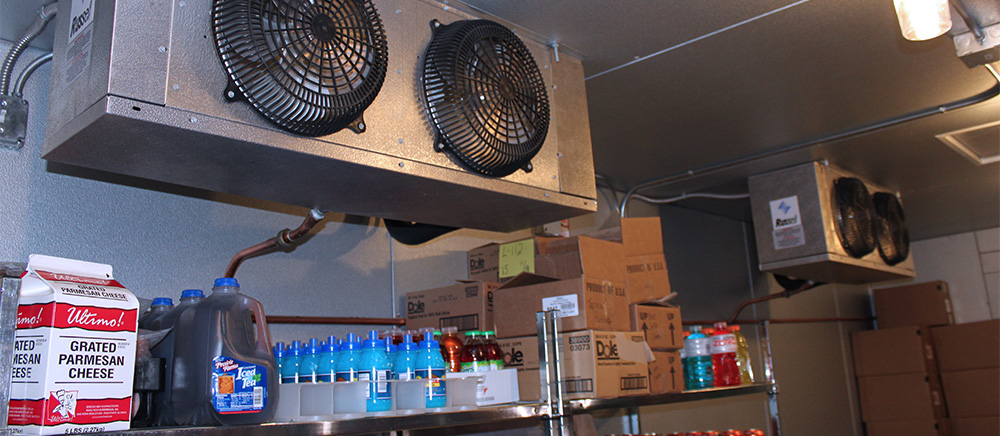
- product stacked too close to the evaporator fans
- cases packed tightly wall-to-wall
- shelving layouts that block circulation
- product stacked too high or too deep
- cluttered aisles preventing air return paths
When airflow can’t move, you get uneven cooling.
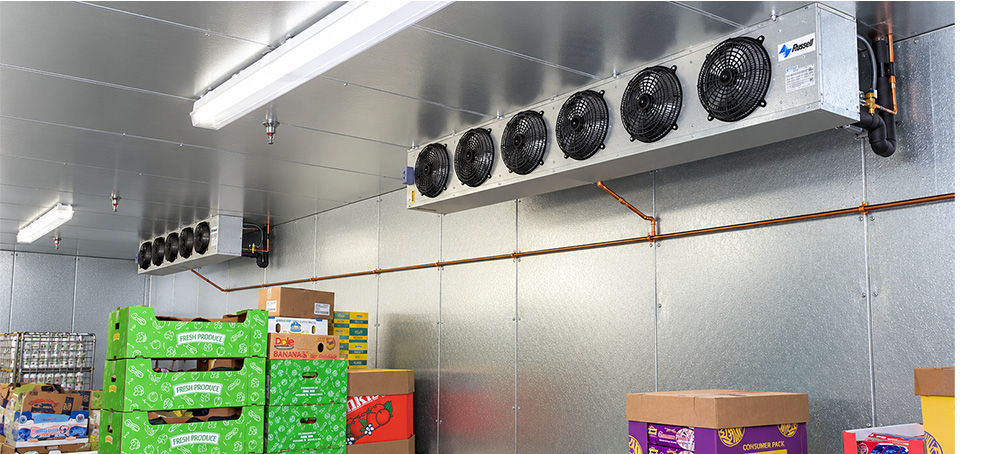
Hot Spot Pattern #1: Warmer Shelves Near the Door
If product near the door is warmer, the cause is often:
- frequent door openings
- long door-open times during stocking
- poor gasket seal allowing infiltration
- heavy traffic patterns during rush periods
Every time the door opens, warm air enters and mixes with cold air. The area near the door will feel it first.
Fixes that help:
✅ reduce door-open time
✅ keep high-turn items organized for fast access
✅ use strip curtains for busy walk-ins
✅ check gasket seal and door alignment
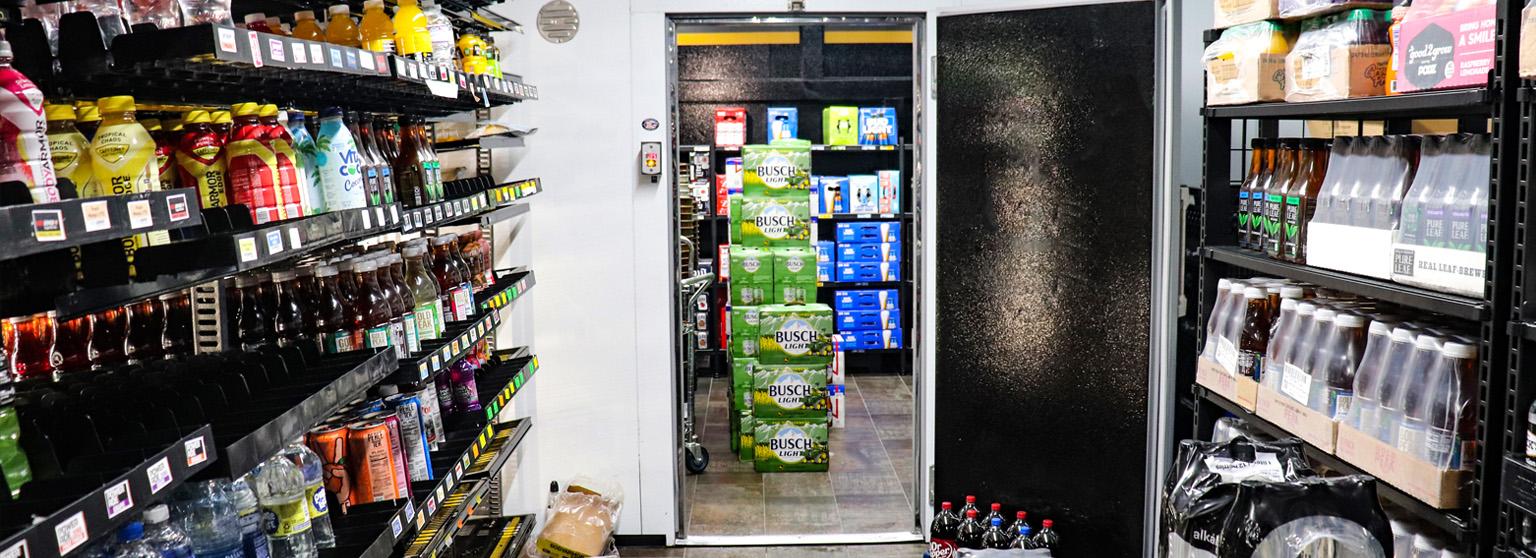
Hot Spot Pattern #2: Warm Upper Shelves
Warm upper shelves are often a sign of circulation imbalance.
Cold air tends to move and settle differently depending on airflow patterns, shelving, and loading density. If upper shelves are packed tight or blocked, they may cool unevenly.
Fixes that help:
✅ leave airflow space above top shelves
✅ avoid stacking cases all the way to the ceiling
✅ keep gaps between cases for airflow
✅ don’t block evaporator discharge patterns
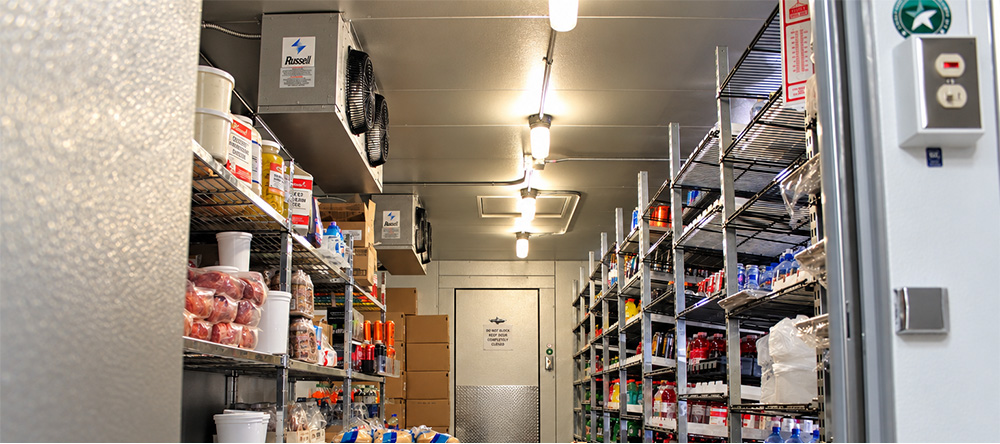
Hot Spot Pattern #3: A Warm Corner or Back Area
If one corner or back section stays warm, it’s often caused by:
- poor circulation reaching that zone
- shelving blocking airflow pathways
- overpacked product trapping warm pockets
- return airflow being blocked from reaching the evaporator
Fixes that help:
✅ avoid tight stacking in corners
✅ leave space between product and walls
✅ ensure aisles allow air to circulate
✅ reorganize zones so airflow paths remain open
Corners are common hot spot zones because airflow naturally struggles there if product is stacked tight against the walls.
Hot Spot Pattern #4: Warm Product Right After Stocking
Sometimes the “hot spot” isn’t the location—it’s timing.
If you stock warm product, the walk-in will take time to pull that heat out. That can create temporary warm zones.
This is common during:
- deliveries arriving in hot weather
- staging product in warm areas before loading
- large restocks loaded all at once
Fixes that help:
✅ stage deliveries briefly in shade when possible
✅ load in smaller batches
✅ close the door between trips
✅ keep airflow clear around new product loads
Quick Checks to Diagnose Hot Spots Fast
If you’re seeing uneven temperatures, these quick checks often identify the cause:
1) Look at the evaporator area
Is product stored too close to the fan discharge?
Is airflow blocked by stacked cases or shelving?
2) Check door habits
Is the door held open during stocking?
Does it close fully every time?
3) Inspect door seals
Is the gasket sealing evenly?
Is there moisture near the entrance?
4) Check the layout
Are corners packed tight?
Are shelves blocking circulation?
In many cases, hot spots are solved by reorganizing the storage layout—not replacing equipment.
Final Takeaway: Hot Spots Are Usually Fixable with Airflow + Workflow
Most walk-in hot spot problems come down to two things:
- airflow being blocked
- heat and humidity entering near the door during traffic
If you fix those, you usually improve:
✅ temperature consistency
✅ recovery time after stocking
✅ system efficiency
✅ product quality and safety
A walk-in performs best when cold air can circulate the way it was designed—so the simplest fix is often giving the airflow room to do its job.