If you’ve ever stocked a walk-in cooler or freezer and noticed the temperature creeping upward afterward, you’re not alone.
This is one of the most common concerns we hear from operators across foodservice, convenience stores, schools, hospitality, and warehousing:
“Our walk-in seems fine most of the time… but after a delivery, it takes forever to get back down to temperature.”
The good news is: in many cases, it’s not a mechanical failure. It’s a normal operating reality called recovery time—and with a few simple adjustments, you can improve it significantly.
In this article, we’ll break down why recovery time matters, what causes slow recovery, and what you can do to keep your walk-in stable during busy stocking periods.

What Is “Recovery Time” in a Walk-In?
Recovery time is the amount of time your walk-in cooler or freezer needs to return to its set temperature after it absorbs extra heat.
That heat can come from:
- warm product being loaded inside
- frequent door openings during stocking
- long door-open periods when deliveries arrive
- people and carts moving in and out
- warm, humid air rushing in and mixing with cold air
Think of your walk-in like a cold “battery.” Every time you add heat, you drain that battery. Recovery time is how long it takes to recharge.
Why Walk-In Temps Rise After Deliveries
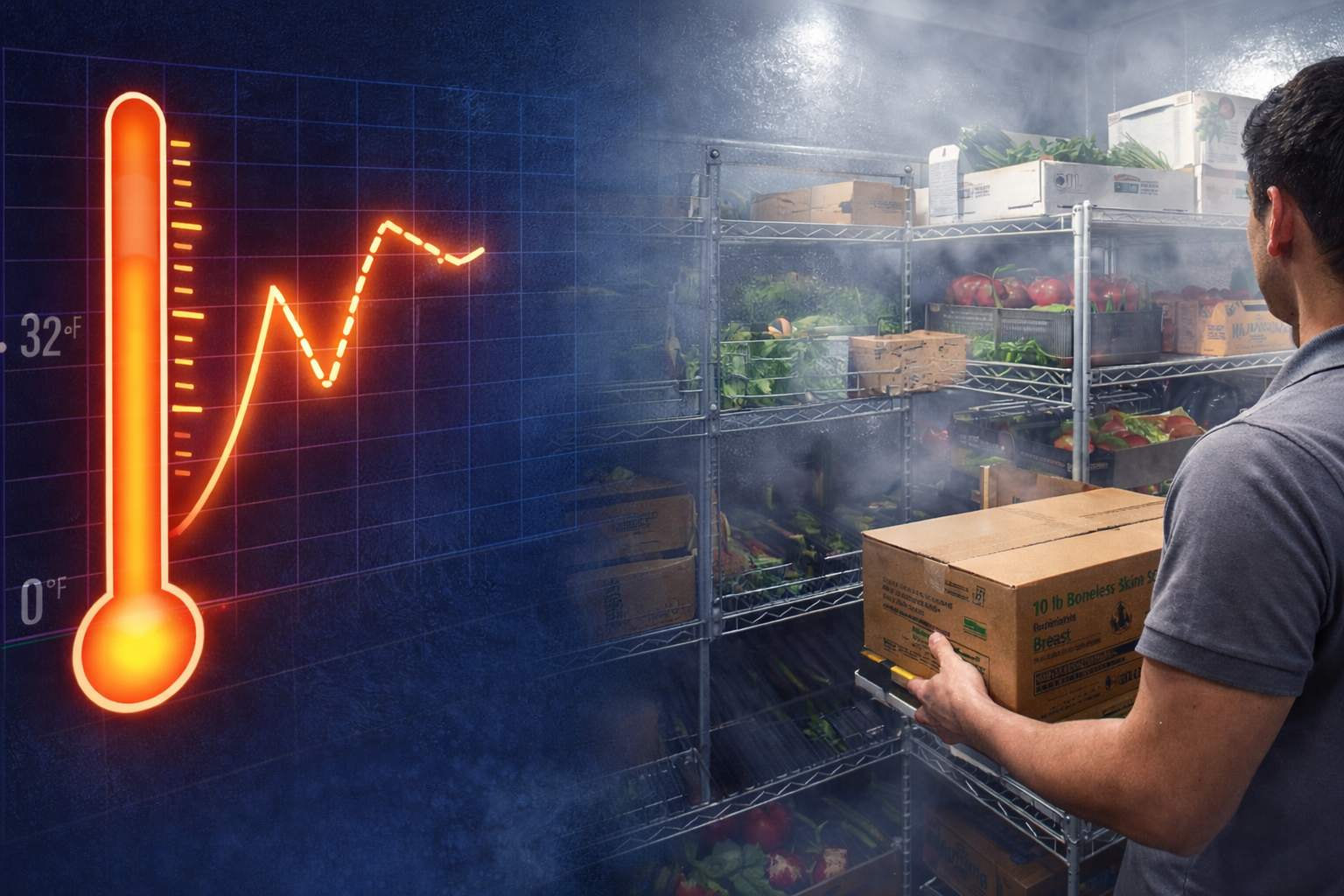
Most walk-ins hold temperature very well when the door stays closed. Problems often show up during the busiest moments—when your workflow adds heat faster than the system can remove it.
The two biggest heat sources during stocking are:
- Door-open time
- Warm product load
Even if your refrigeration system is operating correctly, these two factors can cause the temperature to rise temporarily. What matters is how fast the walk-in can recover afterward.

The Most Common Causes of Slow Recovery (and What They Look Like)
1) Door Propping or Long Door-Open Time
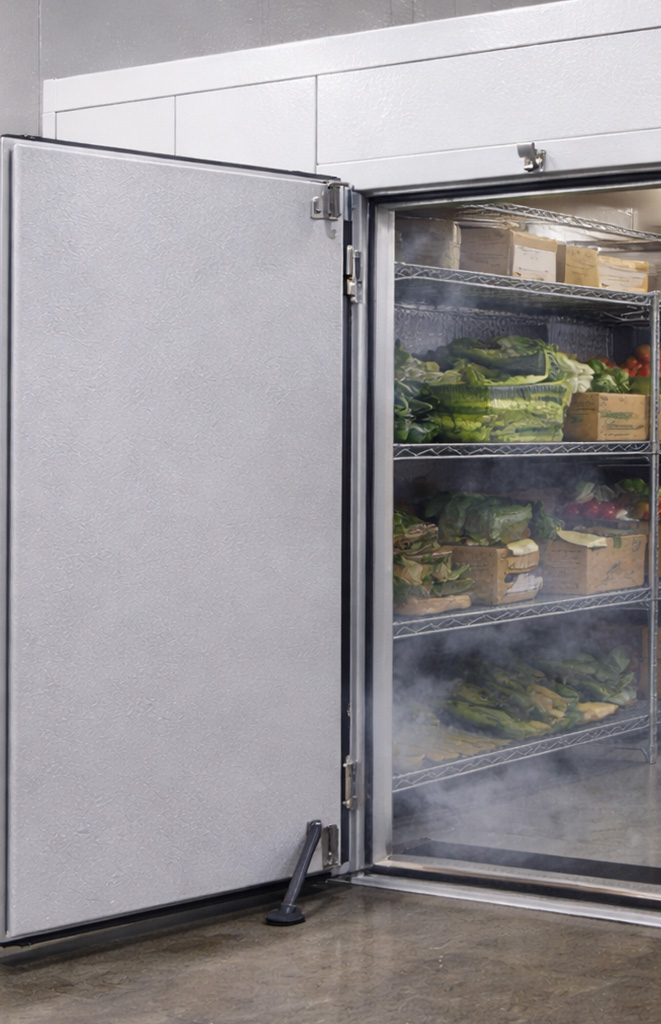
This is the most common cause of slow recovery. When the door stays open for an extended period, warm air floods in and cold air spills out.
That warm air doesn’t just raise the temperature—it adds humidity, too. In freezers, that humidity becomes frost and ice.
What you might notice:
- temps rise during stocking and stay elevated for a long time
- frost near the door opening (especially in freezers)
- the system seems to “run nonstop” after a delivery
What helps: Keep the door closed between trips and reduce the time it stays open continuously.
2) Loading Product That’s Not Fully Cooled Down
If product goes into the walk-in warmer than it should be, the walk-in becomes the “cool-down zone,” and that heat load can be massive.
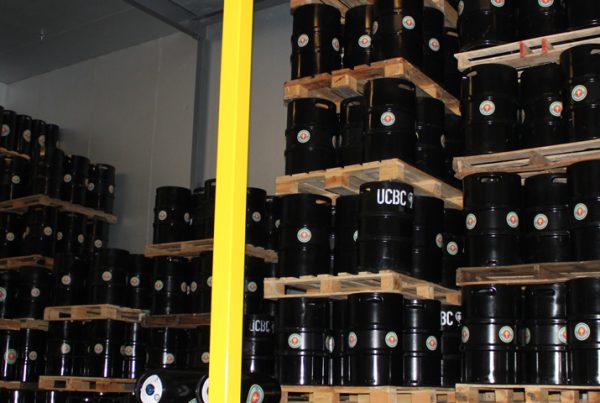
Even a few degrees makes a difference when you multiply it across dozens of cases, kegs, or boxes.
What you might notice:
- temperature spikes that don’t correlate with door openings
- product takes longer to reach serving or holding temp
- cooling performance seems “slow” after deliveries
What helps: If possible, stage product in a cooler area before placing it directly into the walk-in.
3) Blocking Airflow Inside the Walk-In
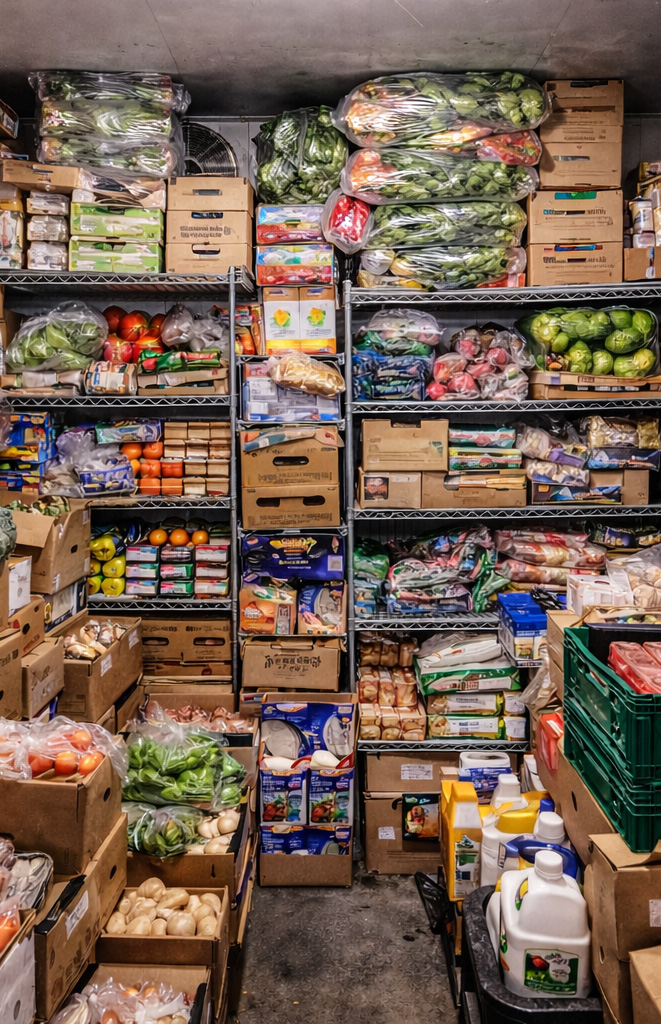
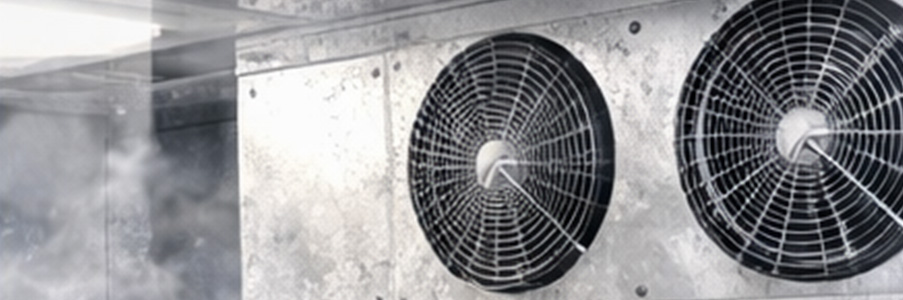
Walk-ins are designed for air to circulate. When product is stacked too tightly or placed too close to the evaporator fan discharge, your system loses efficiency quickly.
What you might notice:
- warmer zones in certain areas of the walk-in
- icing where it shouldn’t be
- uneven product temperatures in different locations
What helps: Maintain airflow gaps and avoid stacking directly in front of evaporator fans.
4) Overloading the Walk-In All at Once
Even a well-designed walk-in has limits. Dumping a large delivery inside quickly can overwhelm the recovery capacity, especially on hot days.
What you might notice:
- a big temperature spike after one large restock
- slow return to set point
- longer compressor runtime for the rest of the day
What helps: When possible, load in smaller batches and allow air to circulate between loads.
How to Improve Recovery Time (Practical, Real-World Fixes)
Here are the most effective changes that make a noticeable difference without changing your walk-in equipment.
1) Use the “Close Between Loads” Rule
Instead of leaving the door open while you carry multiple loads, close it between trips.
It sounds simple, but it’s one of the biggest improvements you can make.
Why it works: It prevents full air exchange and keeps humidity out.
2) Organize for Speed, Not Just Storage
If employees have to search for space during stocking, the door stays open longer.
A well-organized walk-in speeds up stocking and reduces warm-air exposure.
Quick upgrade ideas:
- dedicate zones (dairy / produce / prep / beverages)
- label shelving
- keep high-turn items near the front
- reserve overflow space for delivery days
3) Leave Clearance Around the Evaporator
Airflow is everything. Avoid storing product directly in front of fan discharge or return airflow paths.
A good rule of thumb is to keep a buffer zone around the evaporator so air can circulate freely.
4) Consider Strip Curtains for High-Traffic Walk-Ins
Strip curtains reduce air exchange while still allowing carts and staff to move easily.
They’re especially helpful in:
- convenience stores
- restaurants
- school cafeterias
- bars and beverage walk-ins
5) Don’t Stack “Tight to the Walls”
It’s tempting to maximize space, but stacking tightly against walls can trap warm air and create uneven cooling.
Even small gaps help cold air move and maintain consistent temperature.
What “Normal” Looks Like (So You Know When to Call for Service)
A small temperature rise during stocking can be normal.
But it’s worth investigating if you consistently see:
- large spikes that last hours
- frequent frost or ice at the door
- the walk-in never returning to set temperature
- warm zones that don’t improve after loading ends
If that’s happening even after improving workflow and airflow, it may be time to check components like door seals, alignment, and system health.
Final Takeaway: Recovery Time Is a Workflow Problem First
Many walk-in temperature complaints are solved without touching the refrigeration system.
If you want faster recovery and more stable performance, focus on:
✅ shorter door-open time
✅ smarter stocking workflow
✅ better airflow inside the walk-in
✅ staged loading when possible
A few small operational changes can make a big difference in temperature stability, energy use, and long-term reliability.