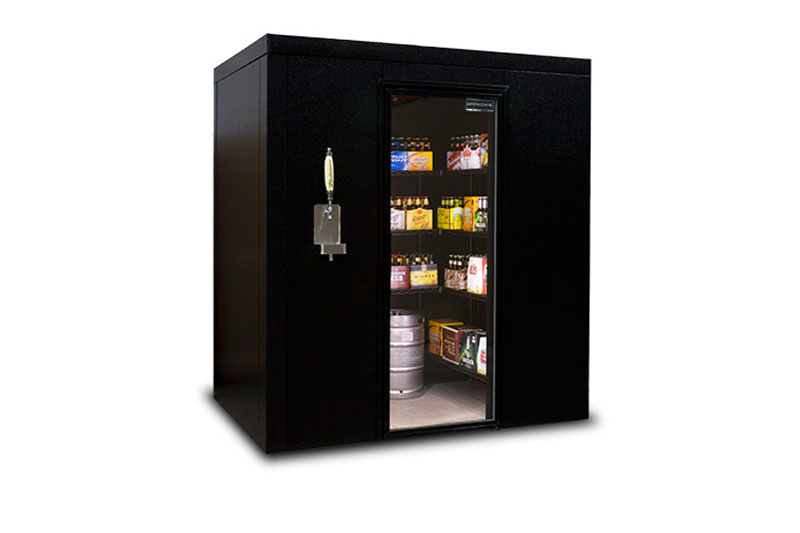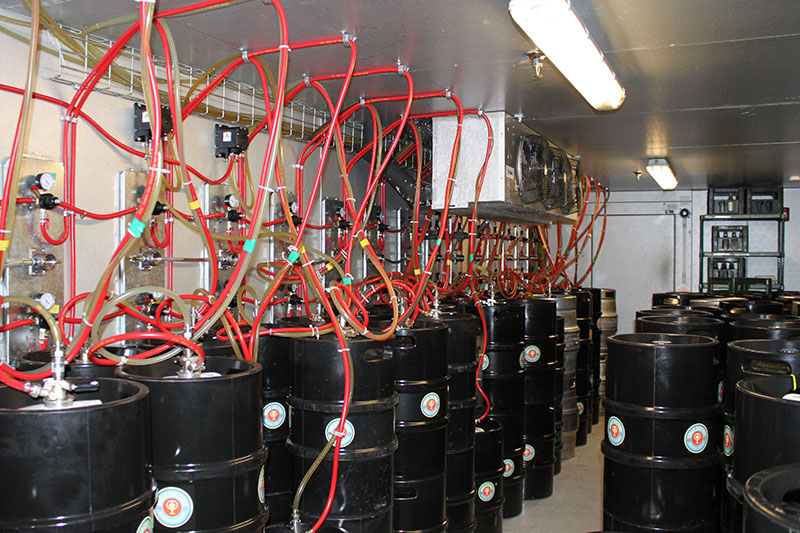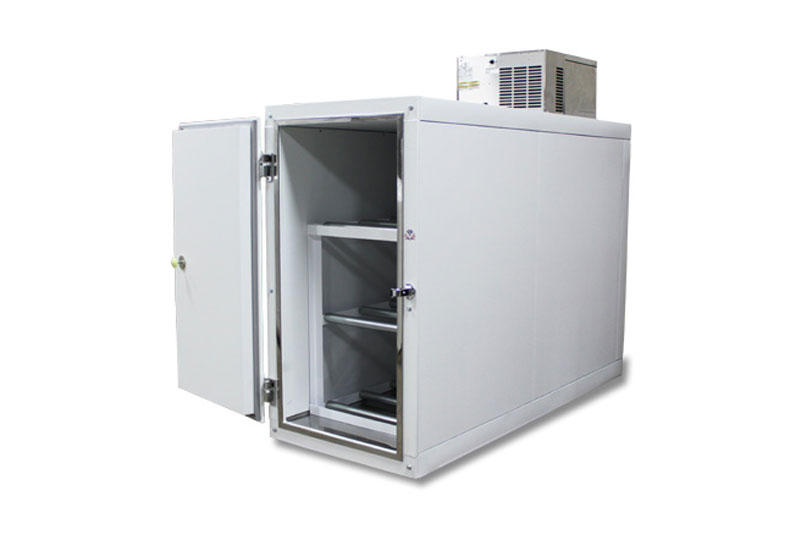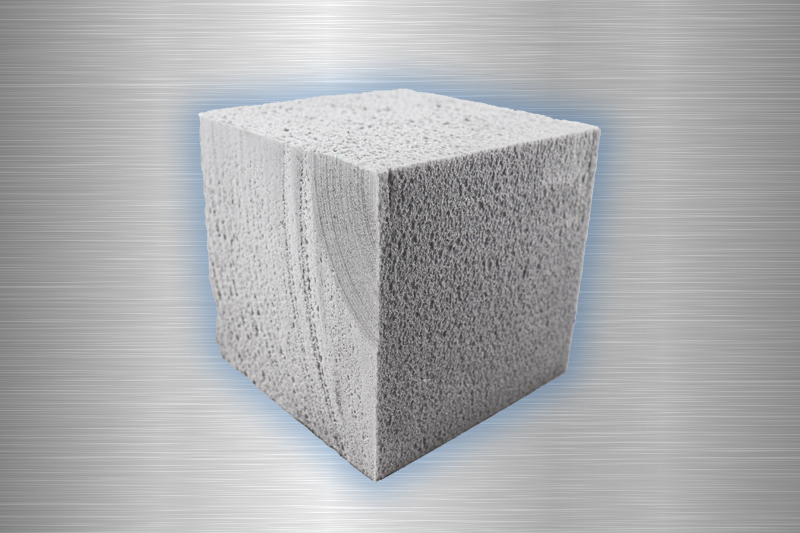
Click the following to view U.S. Cooler Installation Guide. It will guide you through the steps of building/assembling your cooler or freezer unit.
U.S. Cooler Installation Guide
(This is a pdf file. If you do not have a pdf reader please visit foxitsoftware.com or get.adobe.com/reader )
Text Version:
Installation Instructions
General:
- Check bill of lading for correct number of skids.
- Put on gloves before handling any panels.
- Check and report to trucking company and U.S. Cooler any damaged or missing items
immediately.
- Remove packing list at end of skid and installation pack on door.
- Locate freezer/cooler drawing in installation pack along with cam
wrench (large L shaped allen wrench).
Tools Required:
- Cam-lock wrench (Provided)
- Gloves for handling panels
- Caulk gun and NSF silicone caulk
- Power drill with phillips driver and 1/8” drill bit
- Rivet Gun
- 1/2” metal drill bit
Floor Installation (Floored Units):
Locate skid(s) that have panel numbers starting with the letter F. These are floor panels.
Using chalk line, measure out and mark floor for location of box. Lay the F1 floorpanel
in the location designated on the floor plan drawing. Take the F2
floor panel and fit male side of F1 panel into female side of F2 panel. Align both ends
until they are even. Insert cam wrench into center hole on F1 panel. If
hook is showing, back cam counter clockwise until you reach a stop, but do not force
cam. Turn cam wrench clockwise until a solid stop is reached. Again,
do not force past stop. Check to see if F1 and F2 floor panels are firmly attached
together. If not, repeat this step. Otherwise, lock remaining cams and go to next panels
until all floor panels are assembled.
Screeding Installation (Floorless Units):
Using chalk line, mark location of box walls according to enclosed plans.
Add 1/2” to each side for screeding oversize. Lay two beads of silicon caulk within the 4"
wall location. Gray screeding can optionally be screwed down with
Tapcon screws placed directly in the center of screeding. Seal top of
screeding where it contacts metal skin with NSF approved silicone caulk.
Wall Panels Installation:
Start with corner wall consisting of W1 and the adjacent wall panel that forms the corner. On floor-less walk-ins, work panels into pre-installed screeding.
On floored units, place male bottom of wall panel in female groove of floor panel.
Make sure the floor arrow on the wall panel is pointing down. Once panel is inserted
correctly, install W2 wall panel with W1 panel, male edge will be inserted into female
edge of W2 panel. Special care should be given to ensure that top edges and sides of
wall panels are flush. Take cam wrench and insert it into center hole of
W1 panel. Be sure cam lock is set by first turning wrench in a counter clockwise direction
until stop is felt. Do not force cam. After checking set of cam, turn wrench in a
clockwise direction until stop is felt. Again, do not force cam. Check
to see if panels are firmly locked together. If not, repeat this step. If they are, finish
panel installation by locking all wall cams. Do not lock the panels to the floor until all
wall and ceiling panels have been locked together. Continue installing wall panels by
alternating from the lowest wall number to the highest wall number. On combination
units, install center wall before continuing into cooler section. If the floor is uneven,
adjustments must be made to ensure wall panels are flush at the top. When installing
door panel, remove door by lifting door in an upward direction on panel and set aside
until the frame is installed.
Door Installation:
Doors on rapid ship units can be installed in any of the standard full size wall panel locations,
while special order units have fixed door locations. A door threshold hold down
bar must be installed in the floor panel where the door is going to be installed. Place
the hooks of the door threshold hold down bar, with the hooks going in the same direction
of the cams, in to the slots on the cams. The hook on the bar should contact the
pins in the cams. Gently tap the hold down bar in the direction of the cams and hooks
until it quits moving, locking it in place with the cam hooks (approx. 1 ½"). Continue
installation of wall panels.
Ceiling Panels Installation:
Once wall panels are installed, proceed with C1 ceiling panel by placing it in location
according to drawing. Align it so it is even on all edges. Many times
uneven floors may cause ceiling to either be slightly bigger or smaller than wall panels.
If this is the case, split the difference. All panels are made to allow adjustments due to
varying installation conditions. Lock all cams according to previous instruction. After
locking C1 panel, lift C2 panel into location so male side of C1 fits into female side of
C2. Line up both ends and lock all cams. Continue installing ceiling
panels from smallest number to largest number.
Door Adjustments:
After all panels have been installed, close walk-in door. If the door does not shut correctly,
verify that the reveal between the door and frame is even around the perimeter. A reveal that increases or decreases across the top of the door indicates
one leg of the door frame is lower than the other and will need to be shimmed to
correct the condition. The door and frame should be flush around the perimeter. If one
corner of the door protrudes from the frame, it indicates that the bottom of one door leg
is not aligned with the other leg & the frame has a slight twist. Unlock the cams around
the perimeter of the frame and move the door leg in or out to correct the condition, then
re-lock the cams. Once box is completely installed and door alignment is verified, screw
the threshold down to the threshold hold down bar on floored boxes and to the floor on
floorless boxes with the stainless steel screws provided. On floorless units, attach Lshaped
hold down bracket to door legs and floor.
Caulking Instructions:
It is advisable, but not absolutely necessary, to caulk all joints inside walk-in. This will
provide for an even better sealed unit. Use NSF approved silicone type caulking.
Rain Roof Installation:
Install evaporator coil prior to rain roof installation and silicone caulking around the carriage
bolt heads to avoid perforating the rain roof. For rain roof installation, place vinylroofing
material, with flaps underneath, on top of walk-in across narrow end. Allow 6"
of vinyl to lap over each of the three sides. Carefully unroll vinyl material across walkin
until vinyl flap falls into position. Take a stainless steel screw and square plate and
screw through plate and flap in the middle of flap. Then screw a plate at each end of flap. Install screw and plate
every foot across flap. Continue to roll out vinyl until the end or the next flap, then repeat screwdown process. Once
the end is reached, it should lap over end by at least six inches. For units installed up against buildings, lap vinyl 1
foot up the wall, fold vinyl back and run two beads of Mastik caulk along wall edge 3" above walk-in. Then fold vinyl
twice so there is 4" left to fasten plastic strip to building with. Fasten plastic strip over vinyl with stainless steel screws
or galvanized nails. Place round piece of vinyl over each corner to protect against vinyl puncture. Place a bead of
caulking around top sides of walk-in 5" below top of unit. Place plastic strip on top of vinyl so bottom of plastic strip
falls 6" from the top. Screw into side of walk-in with stainless steel screws. Fold corners and continue around box on
all four sides. Note: If vinyl hangs over more, cut off extra or fold extra under plastic strips.
Refrigeration Installation:
For side mount units, set refrigeration system over notched wall panel with compressor mounted on outside of walkin.
Drill through wall with 1/2’ drill bit and bolt unit on with provided bolts. If unit has top mount self-contained refrigeration
system to be installed, place unit in prefabricated hole in top of walk-in with air flow marker pointing away
from wall. Caulk around perimeter of refrigeration unit. All refrigeration components must be installed by a certified
refrigeration contractor, who must be present at startup. This may affect your warranty.
|